Skip to content
50+ Features

Everything you need in a messaging platform

Seven message types, real-time presence, typing indicators, reactions, replies, group chats, AI assistant, embeddable widget — matching the feature sets of WhatsApp, Slack, and iMessage in a single platform.

Seven Message Types

Text, voice, images, video, files, link previews, and syntax-highlighted code blocks — every format your team needs.
Text Messages
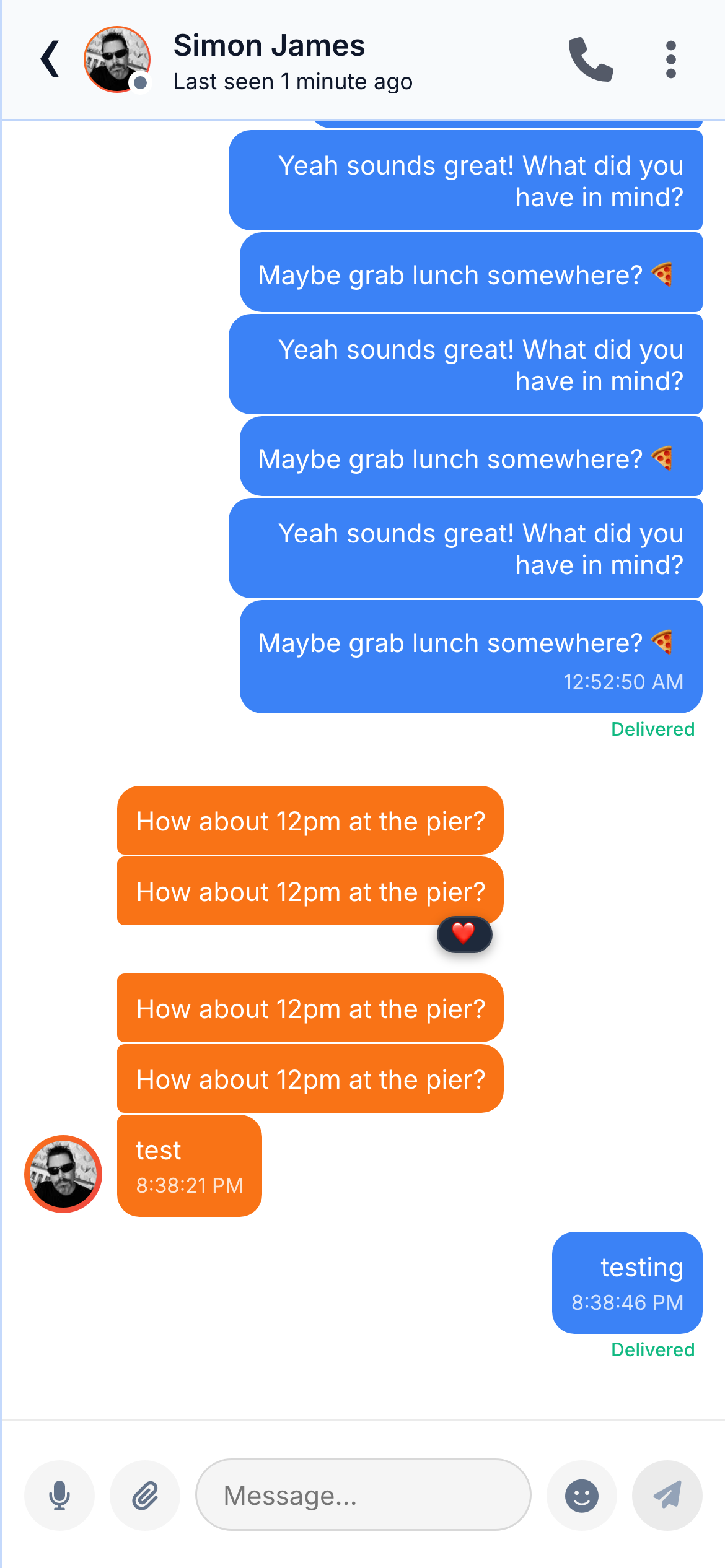
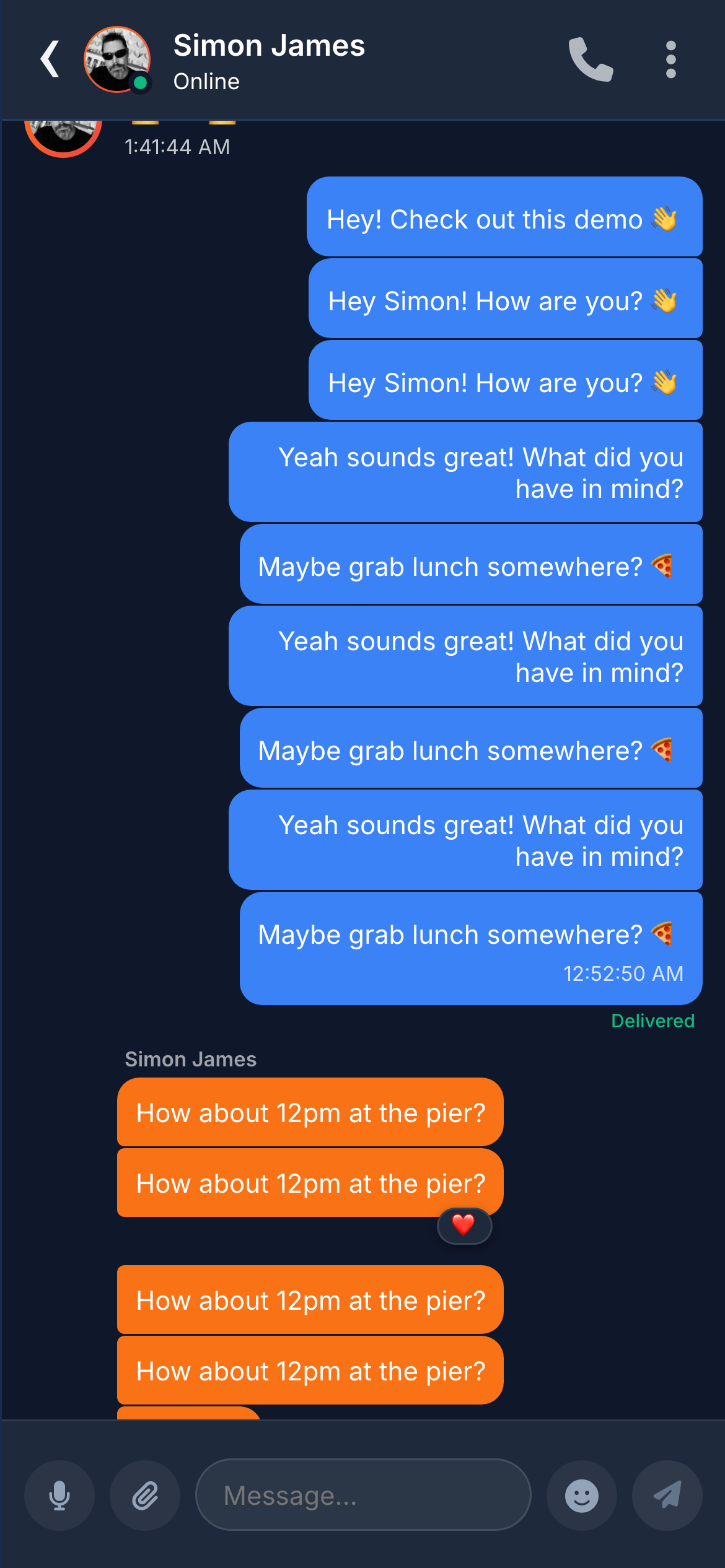
Instant delivery with read receipts, date separators, and message grouping. Under 100ms end-to-end.
Voice Messages
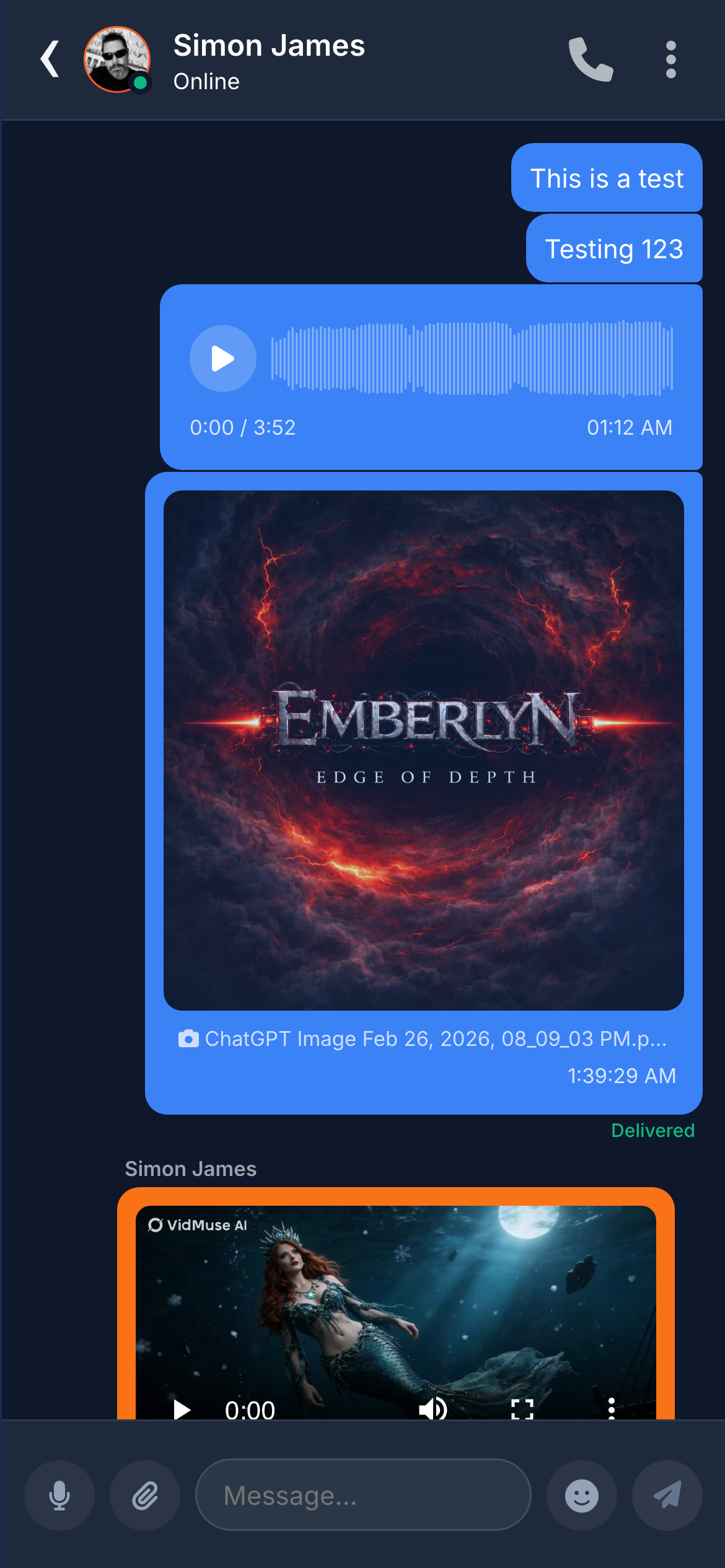
Record voice notes with waveform visualisation, playback controls, and “listened” receipts.
Image Sharing
Inline previews with fullscreen lightbox. Server-side Sharp processing generates thumbnail, medium, and full-res variants.
Video Sharing
Inline video player with thumbnail, duration badge, and standard playback controls.
File Attachments
PDFs, Word, Excel, ZIP — up to 50 MB. Type-specific icons, file name, size, and one-tap download.
Link Previews
URLs auto-fetched for Open Graph metadata — title, description, image, and favicon rendered as rich cards.
Code Blocks
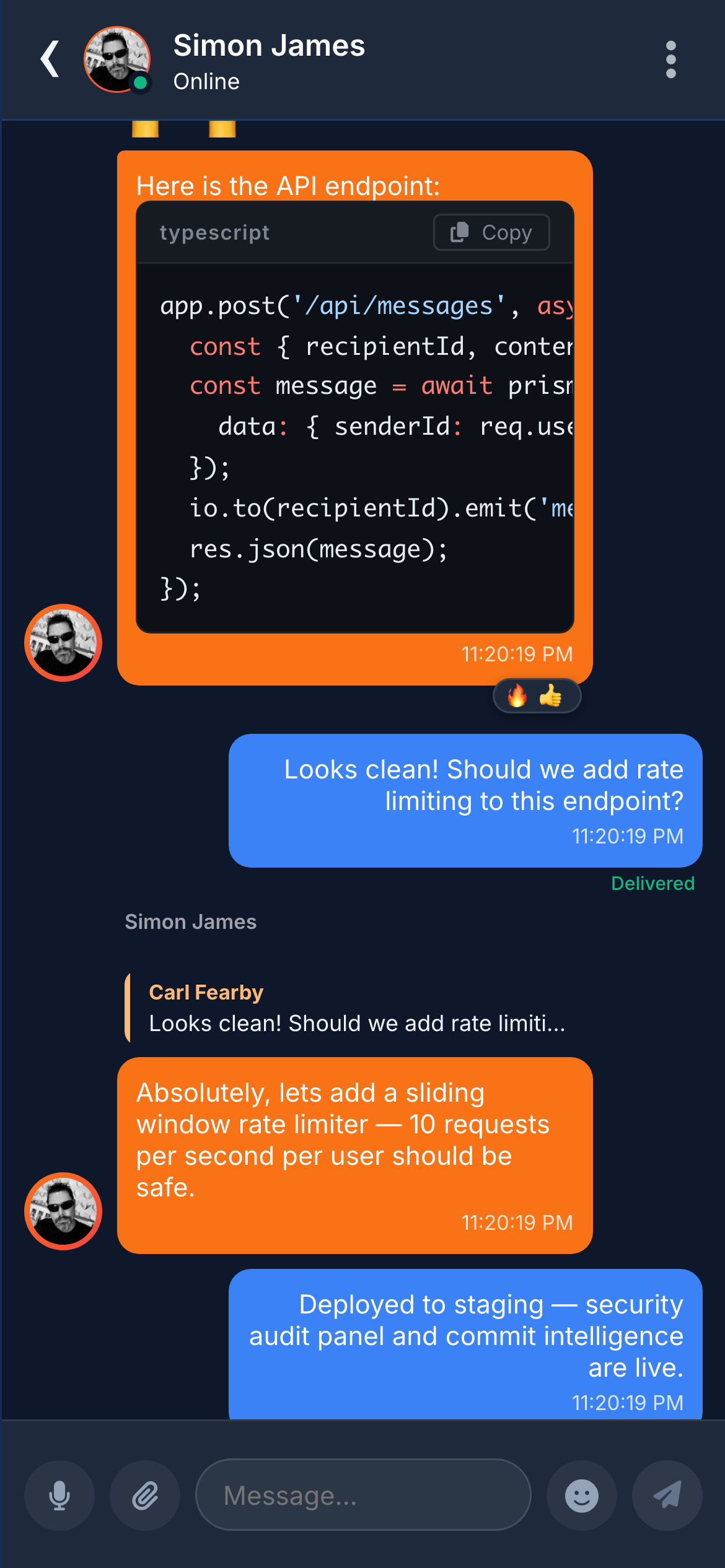
Syntax highlighting for 40+ languages with automatic detection and a copy button.
Chat viewChat view topCode block

Real-Time Awareness

Users always know who is online, who is typing, and who has read their message — instant feedback at every level.
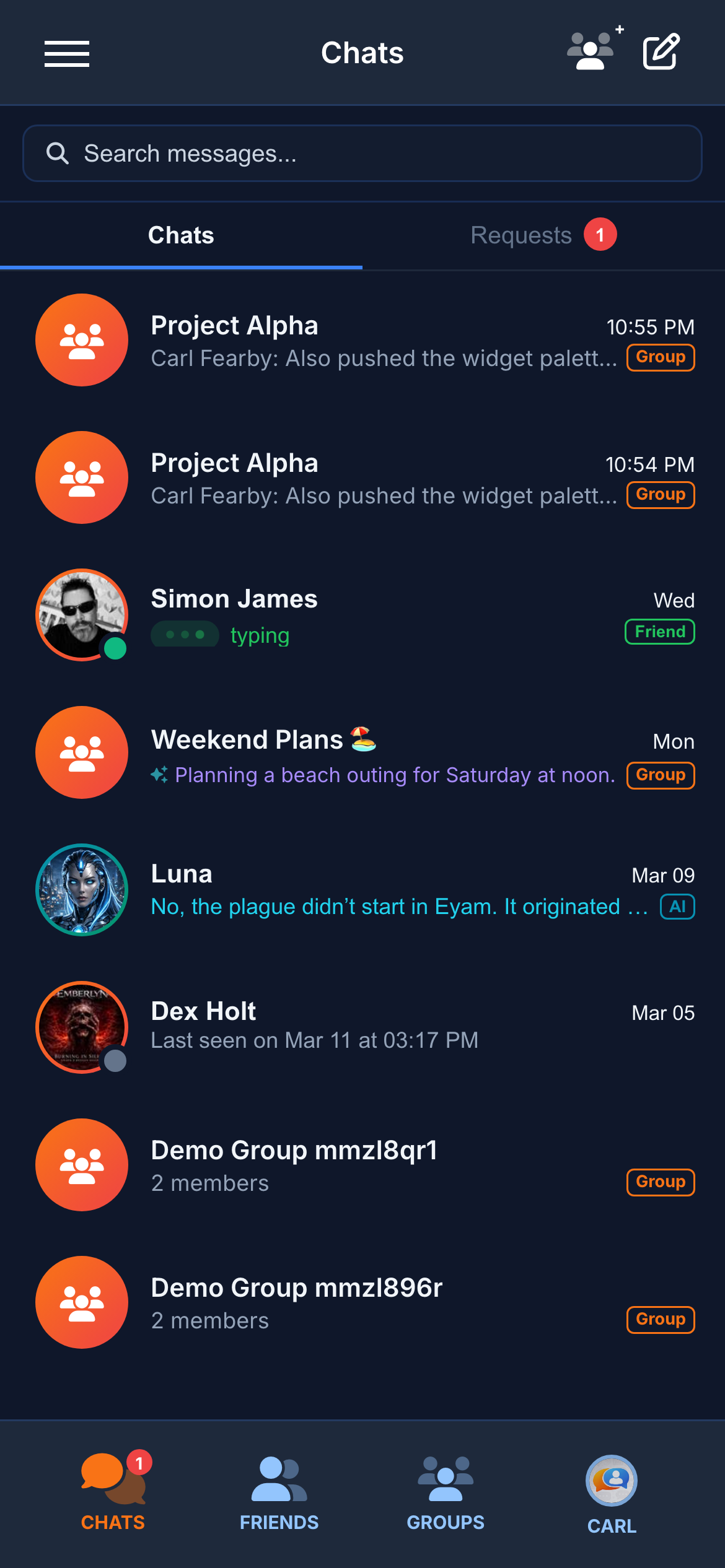
Typing Indicators
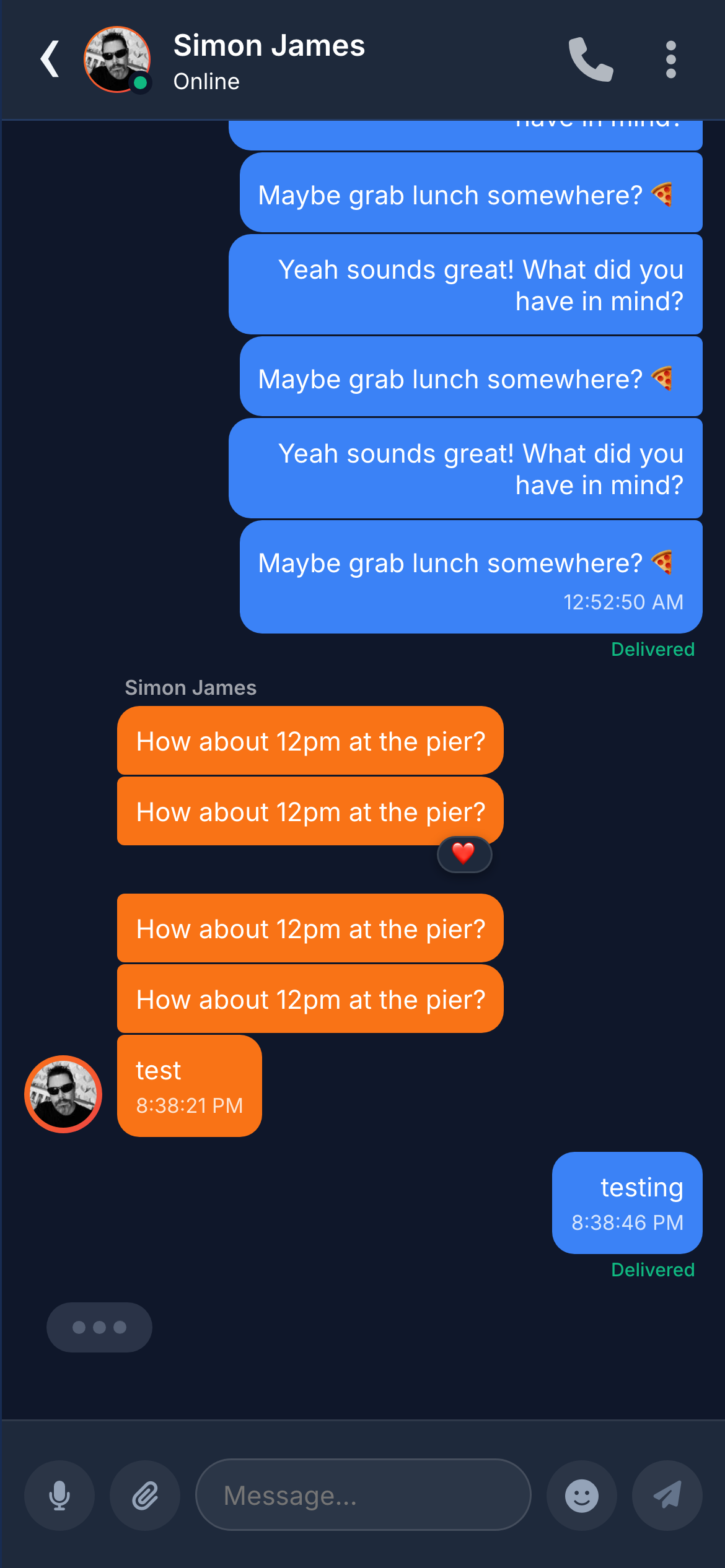
Animated “typing…” with bouncing dots — visible in both the chat and the conversation list.
Ghost Typing
See every character the other person types in real time, letter by letter. No mainstream app offers this.
Read Receipts
Three states — sending (clock), delivered (tick), read (blue double tick). Voice messages add a “listened” state.
Online Presence
Green (online), amber (away), grey (offline) dots on every avatar. “Last seen” for offline contacts.
Recording Indicator
When someone is recording a voice note, the other participant sees a live “recording…” indicator.
Smart Summaries
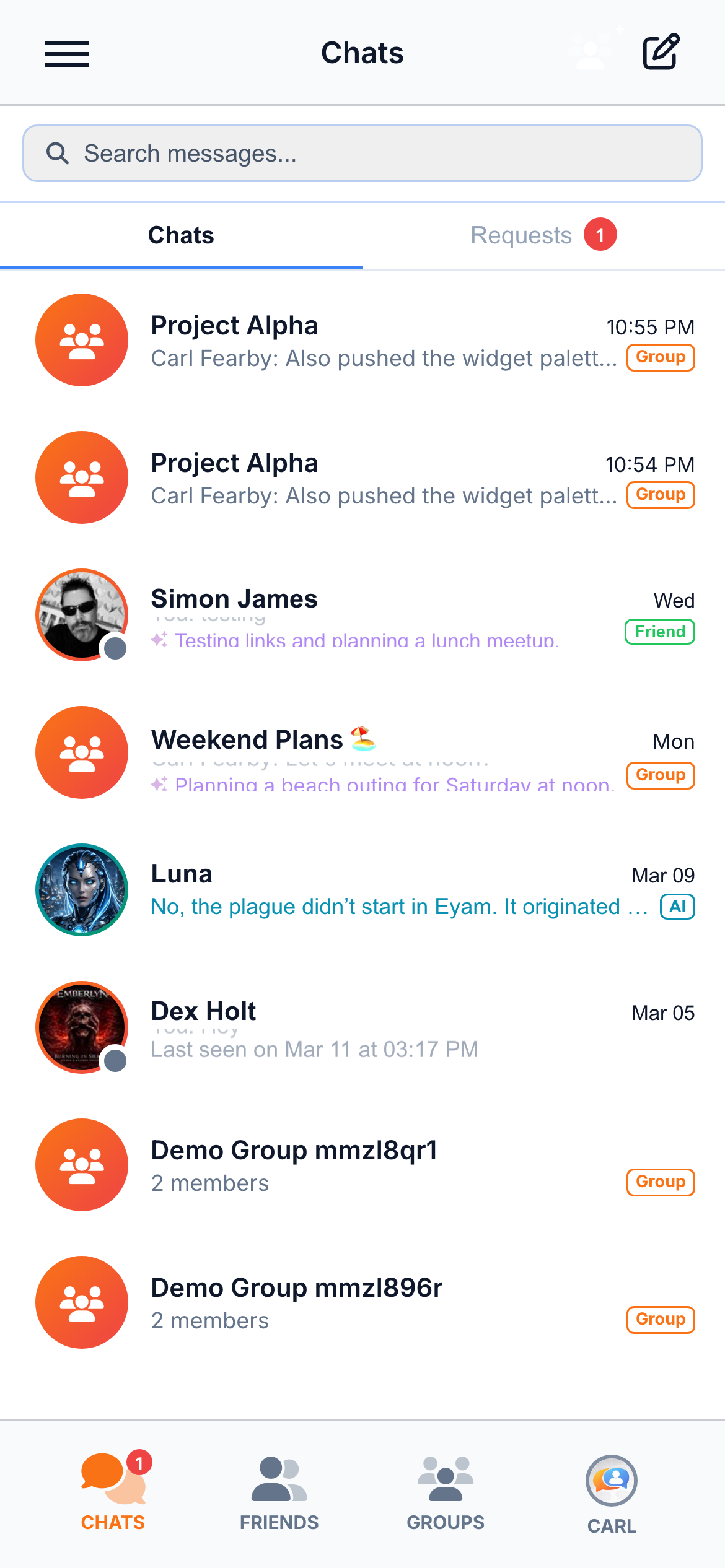
AI-generated one-line summaries replace the last message on the conversation list. Scan every thread at a glance.
Typing in chatTyping on chat list

Message Interactions

React, reply, edit, unsend — every message is interactive. Full emoji picker, offline queue, and edit history.
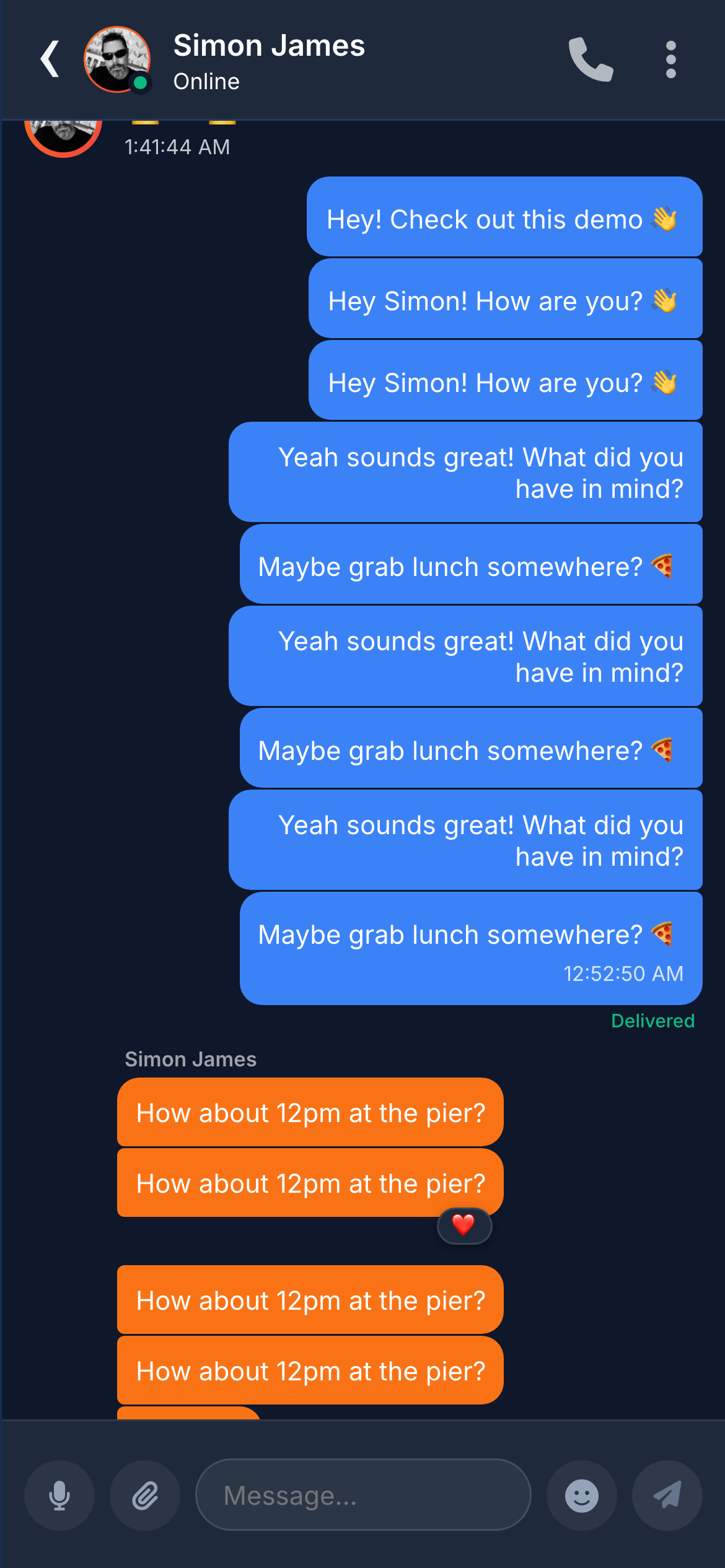
Reactions
Tap-and-hold to add emoji badges below any message. Multiple reactions per message from different users.
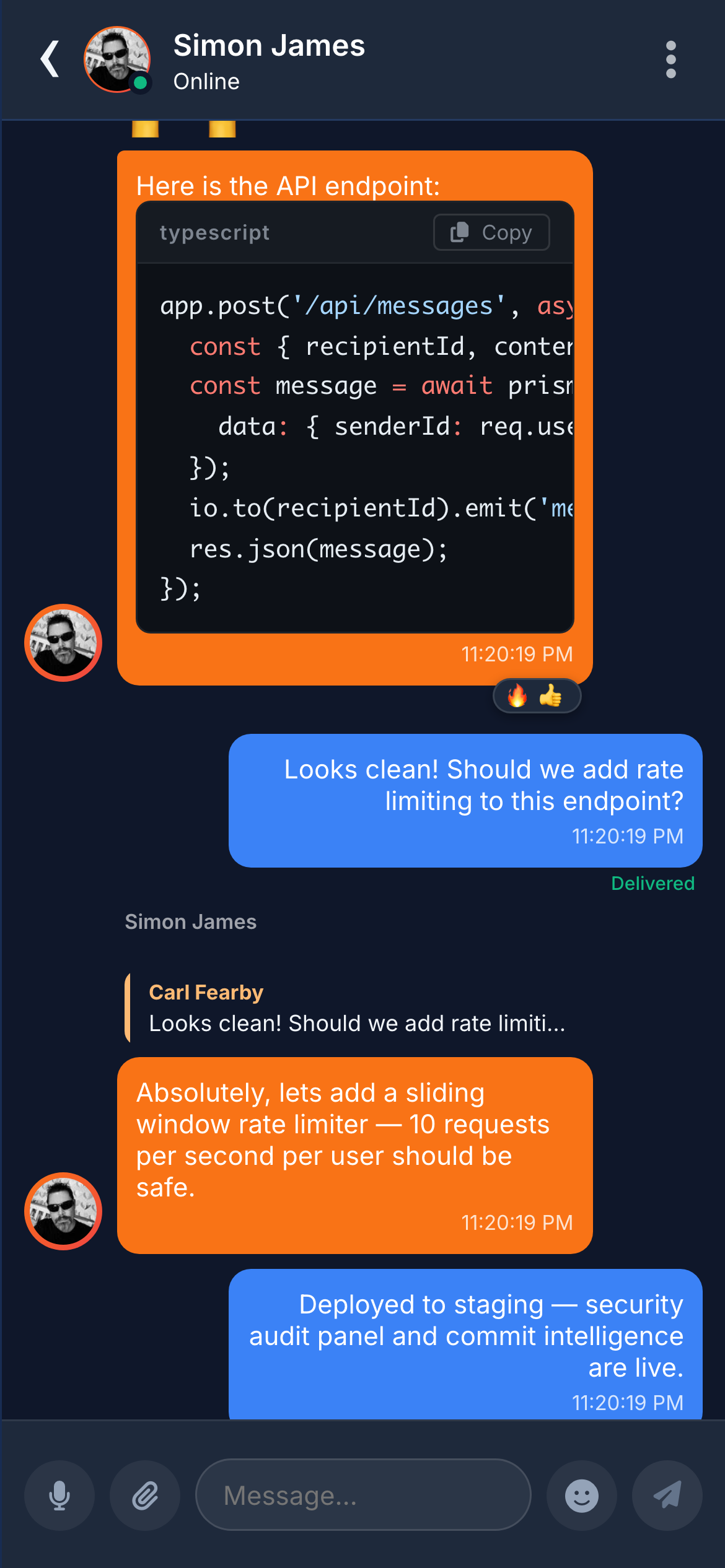
Replies
Swipe right or use the context menu to reply. Quoted preview with sender, content type, and truncated text.
Edit Messages
Edit any sent message with up-arrow shortcut. “(edited)” label shown. Full edit history stored for audit.
Unsend Messages
Delete for everyone — message replaced with a “deleted” placeholder, equivalent to WhatsApp’s “Delete for Everyone”.
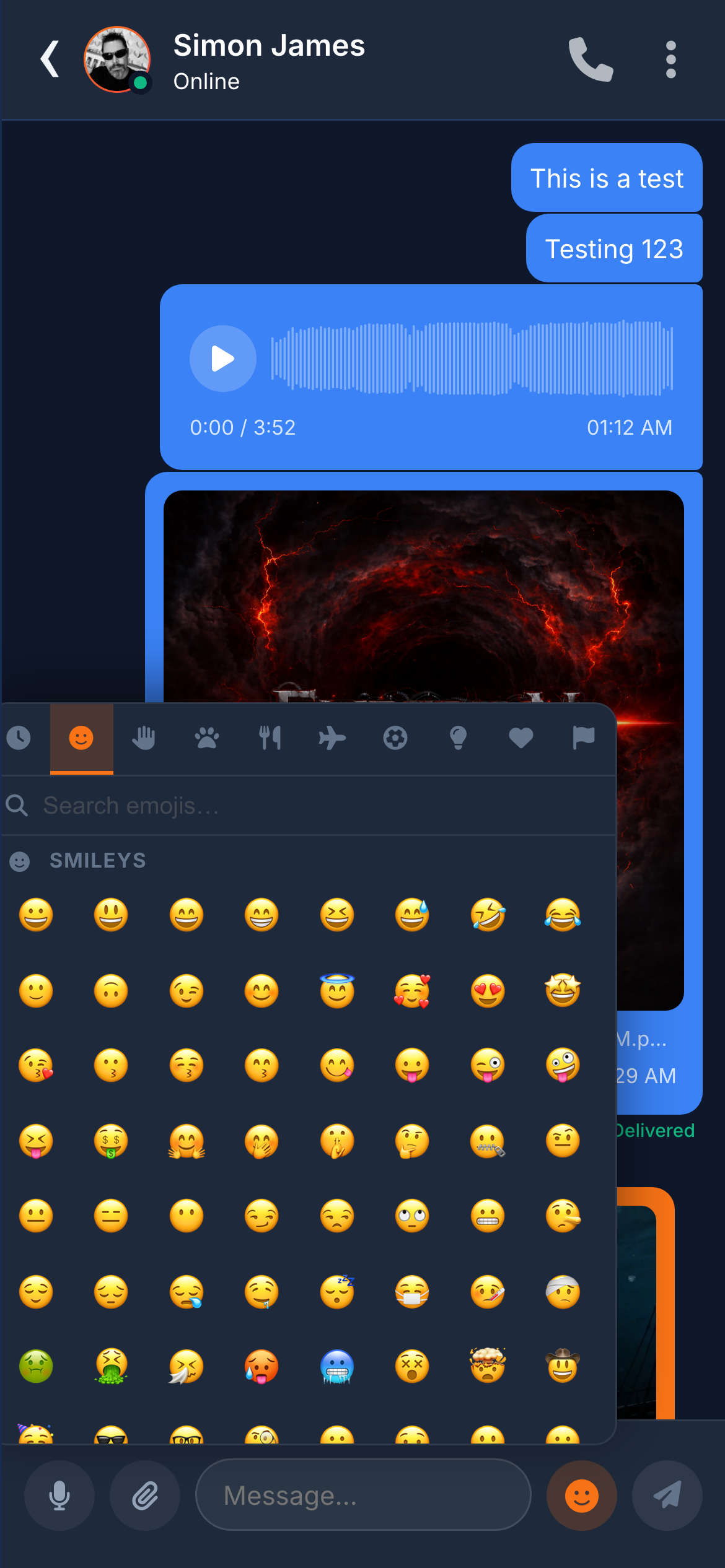
Emoji Picker
Full emoji picker with category tabs, search, and a recently-used section.
Offline Support
Messages sent offline are queued locally and delivered automatically when the connection restores. IndexedDB cache.
ReactionsReply threadEmoji picker

All of this — free & open source

Chatr delivers all of this out of the box — MIT-licensed, no per-seat fees, no vendor lock-in. Clone the repo and deploy on your own infrastructure.

Groups & Social

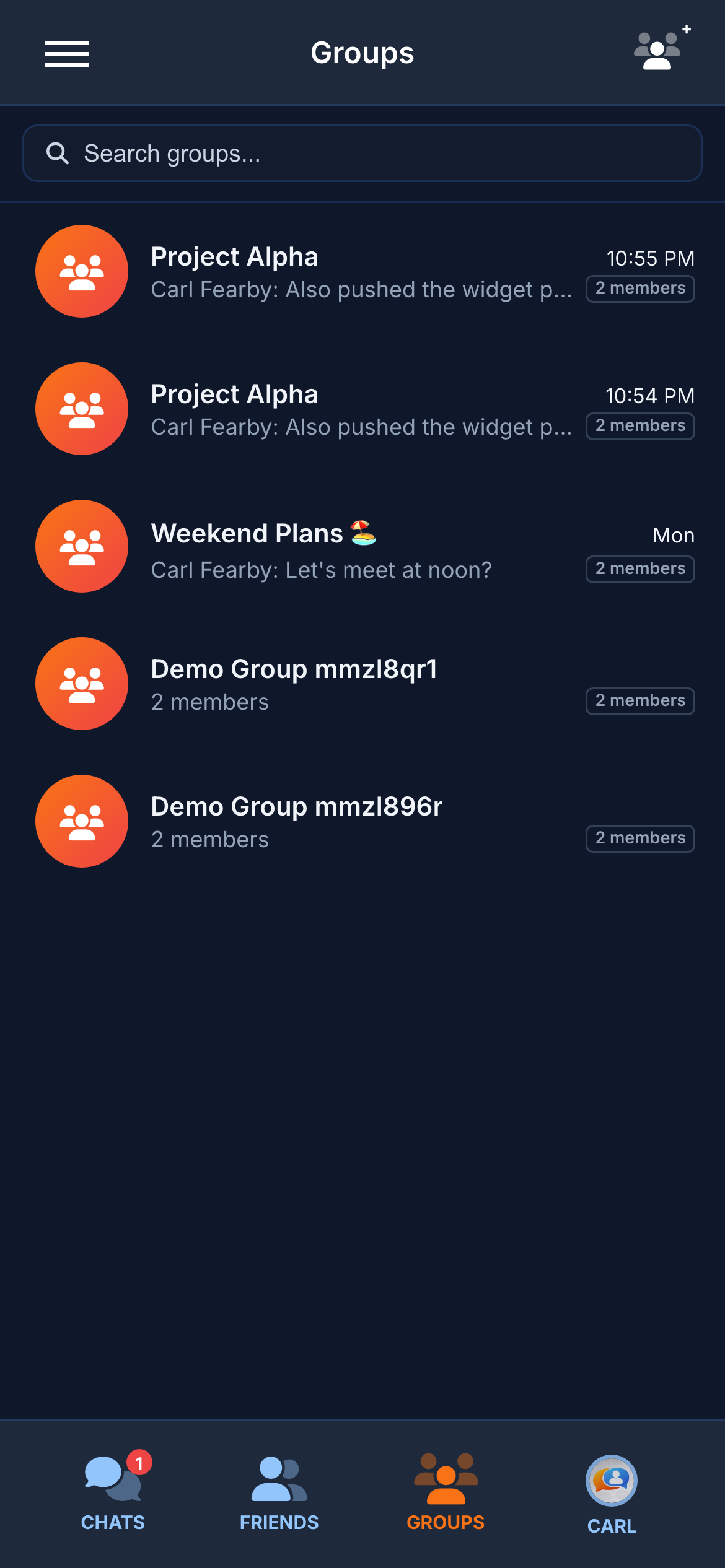
Full-featured group chats with role management (Owner, Admin, Member), invite controls, and a social layer. Create groups with names, avatars, cover images, and descriptions. All seven message types are supported inside groups.

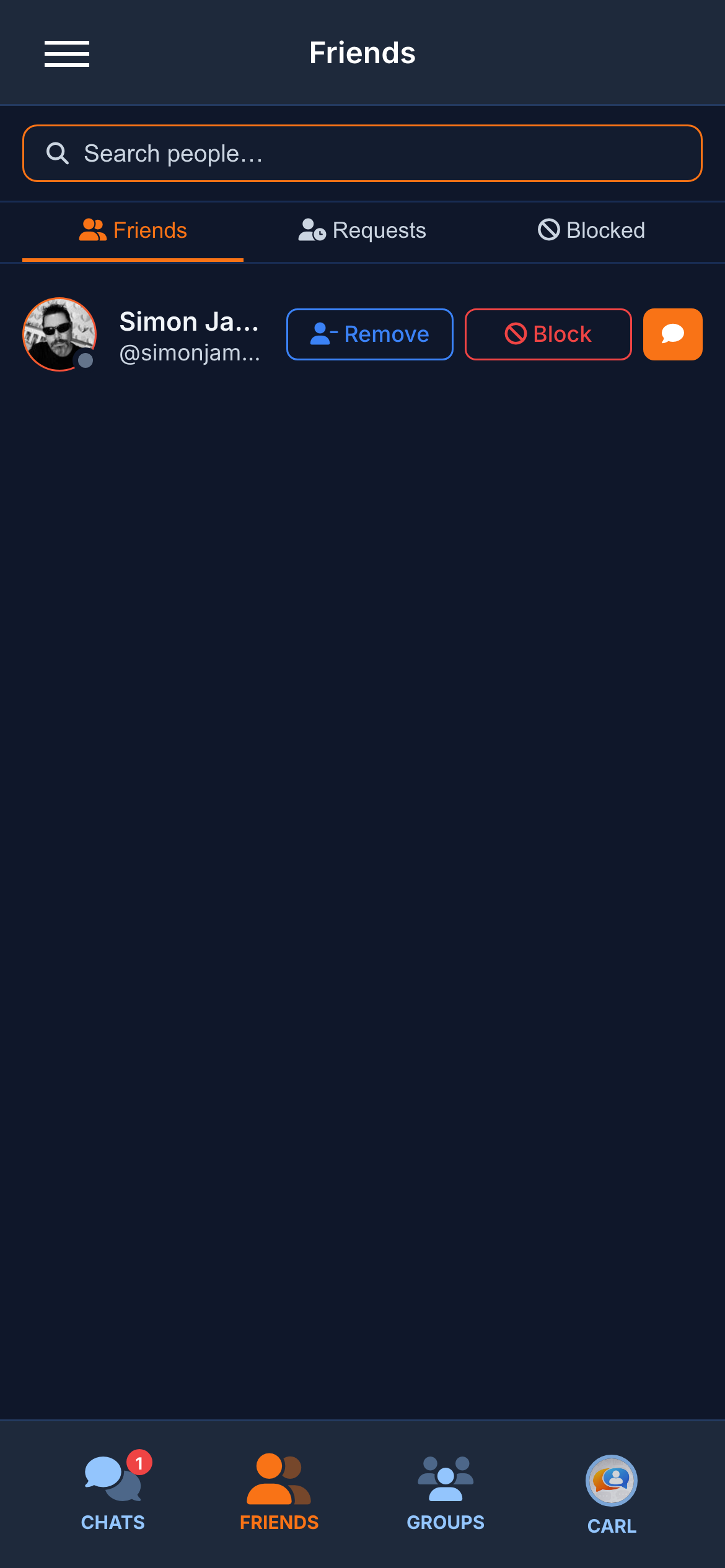
Friends & Blocking— Send friend requests via search. Accepted contacts show a “Friend” badge. Blocked users cannot search for you, message you, view your profile, or see your online status.

Invitations — Owners and Admins invite new members via search. Pending invitations appear as a badge on the Groups tab.
GroupsFriends

AI Chatbot & Smart Summaries

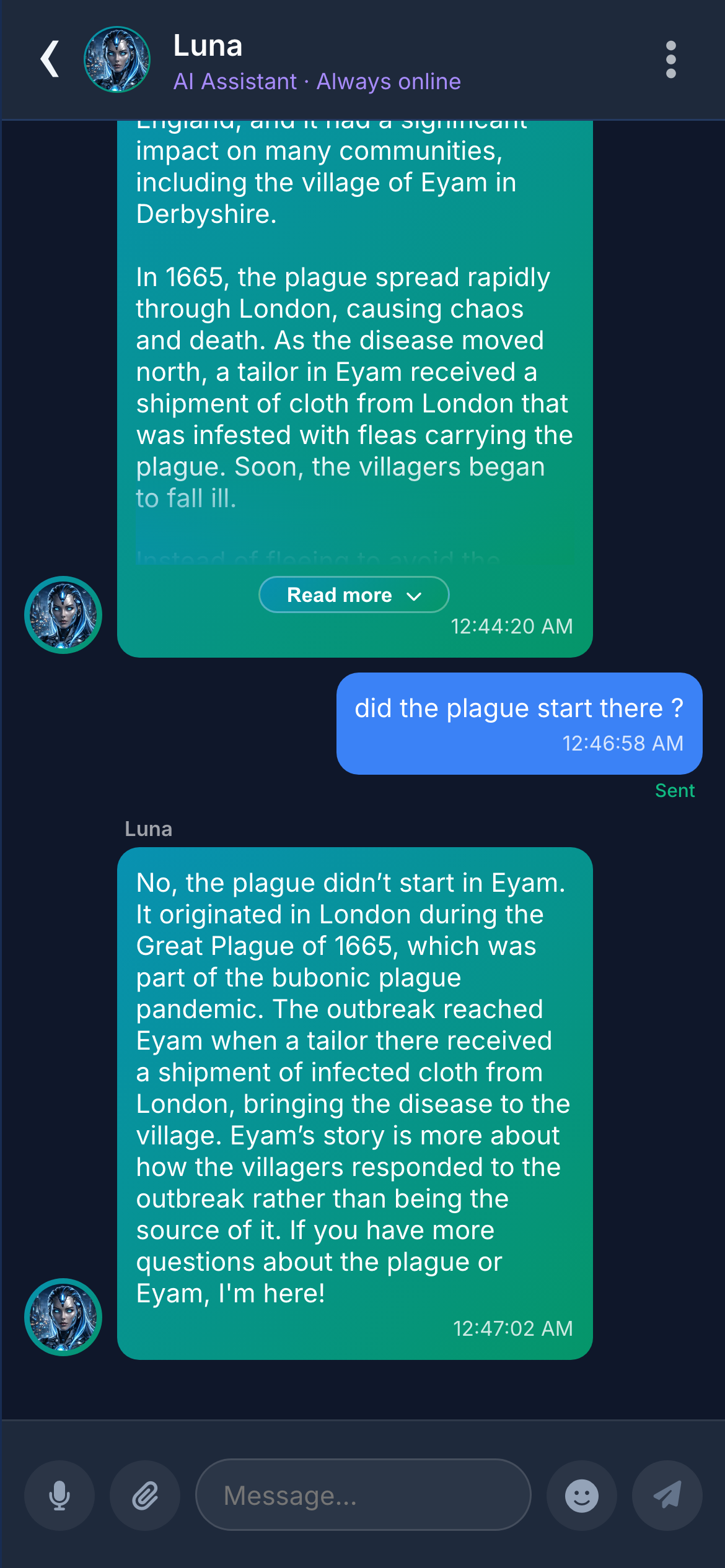
Luna is an AI assistant powered by GPT-4o-mini that appears as a regular contact. No special interface, no learning curve — just send a message and get an intelligent response.
Luna AI Chatbot
Ask questions, get code help, brainstorm ideas, or just chat. Luna maintains conversation context and responds with typing indicators like a real contact.
Streaming Responses
Responses stream token-by-token in real time. You see Luna “typing” and then watch the response build, exactly like iMessage or ChatGPT.
Conversation Summaries
AI-generated one-line summaries replace the last message on the conversation list. Scan every thread at a glance without opening them.
Luna AI chatbot

Profile, Settings & Privacy

Every user gets a full profile system, granular privacy controls, and customisable notification preferences. No “one size fits all”.
Rich Profiles
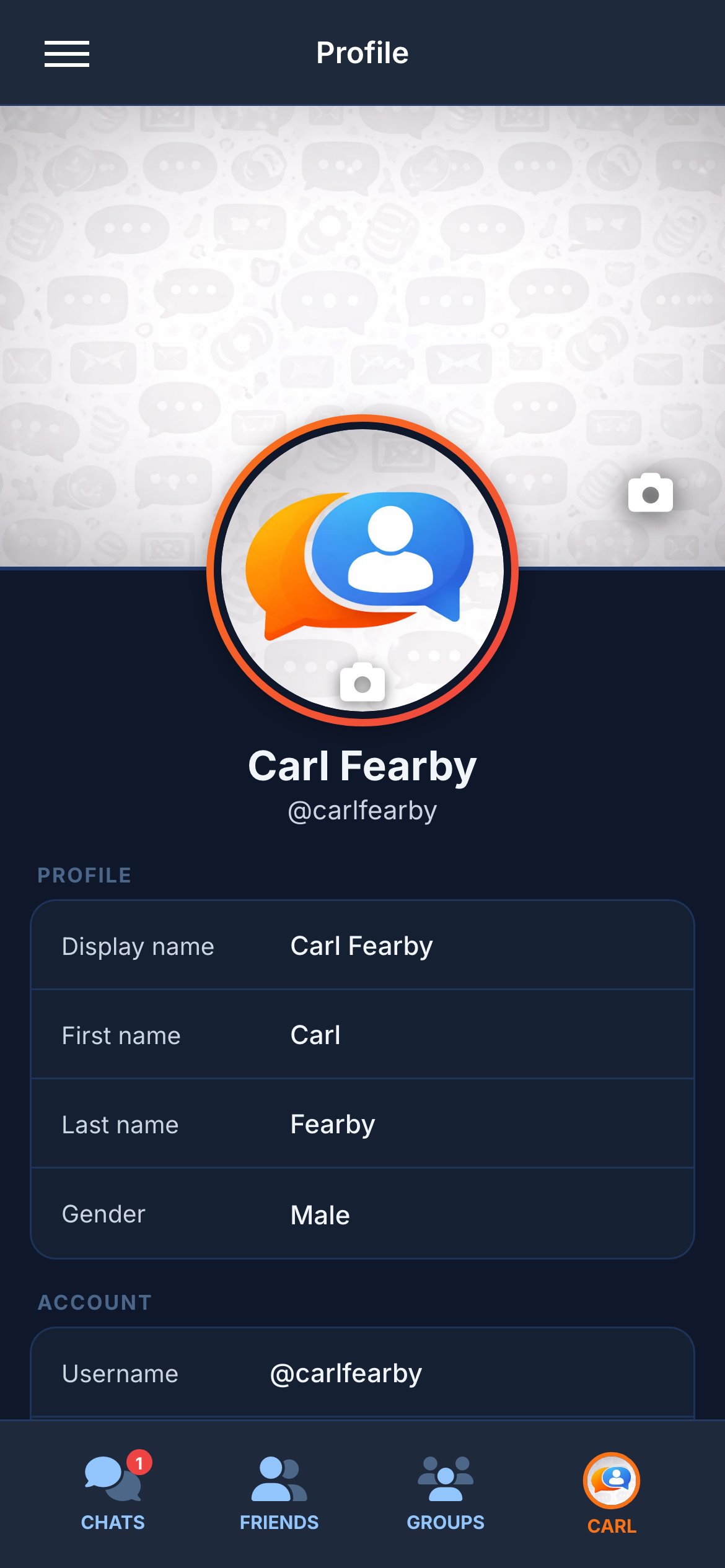
Display name, bio, avatar, and cover image. Profile cards show friend status, online indicator, and mutual groups.
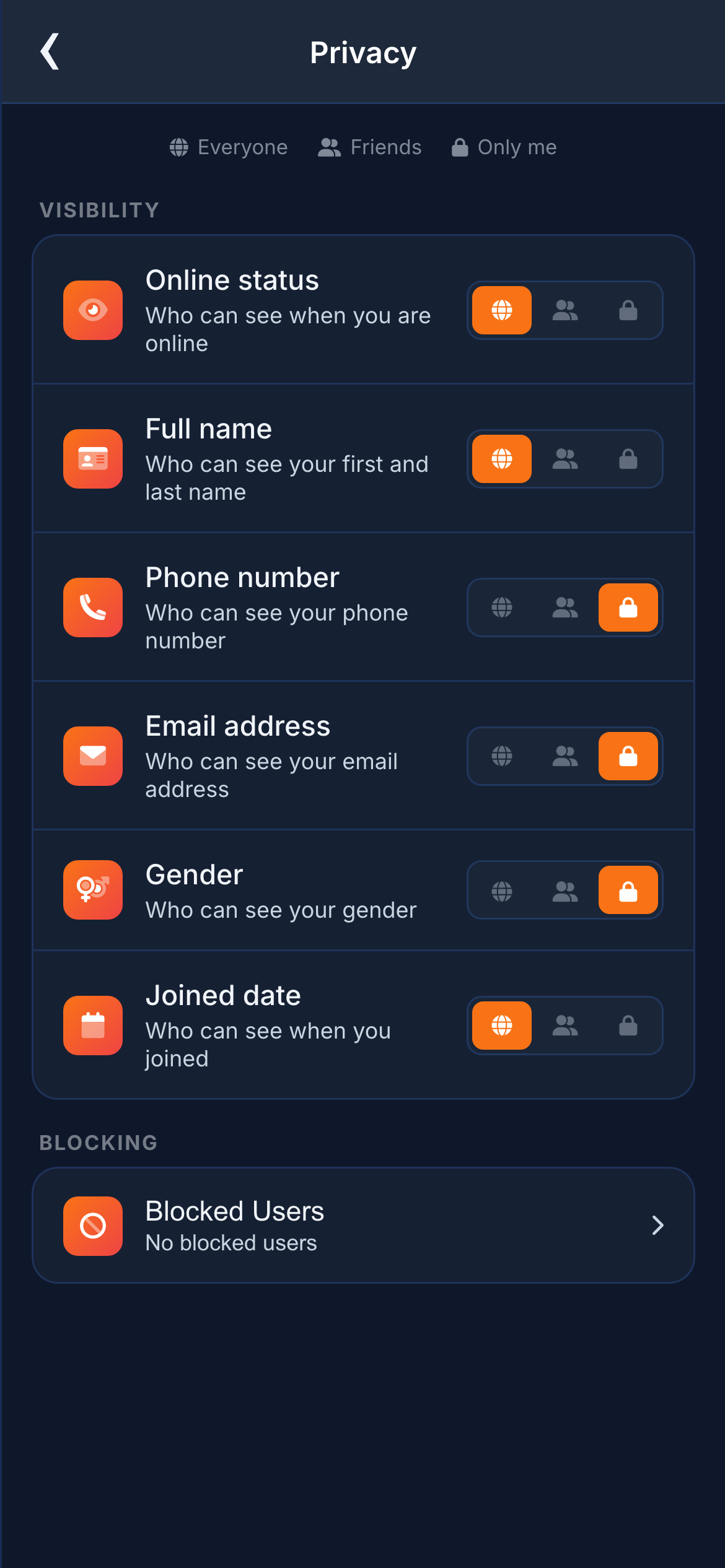
Granular Privacy
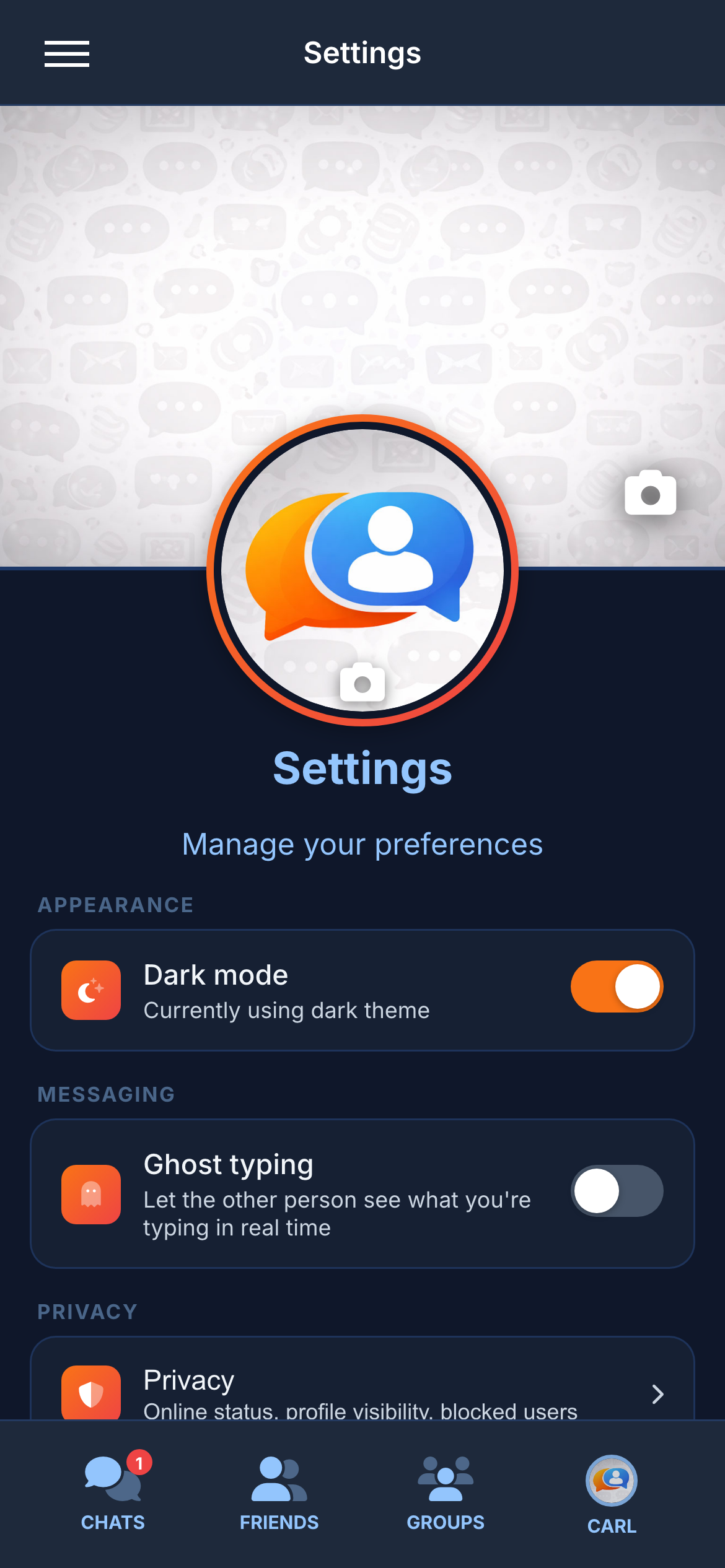
Control visibility of online status, last seen, profile photo, read receipts, and typing indicators — each on a per-field toggle.
Notification Preferences
Per-conversation muting, sound toggles, and notification grouping. Desktop push notifications for mentions and DMs.
ProfileSettingsPrivacy settings

Design & Themes

Dark and light themes with a single-tap toggle. No reload, no flicker. Deep navy dark theme optimised for OLED screens.
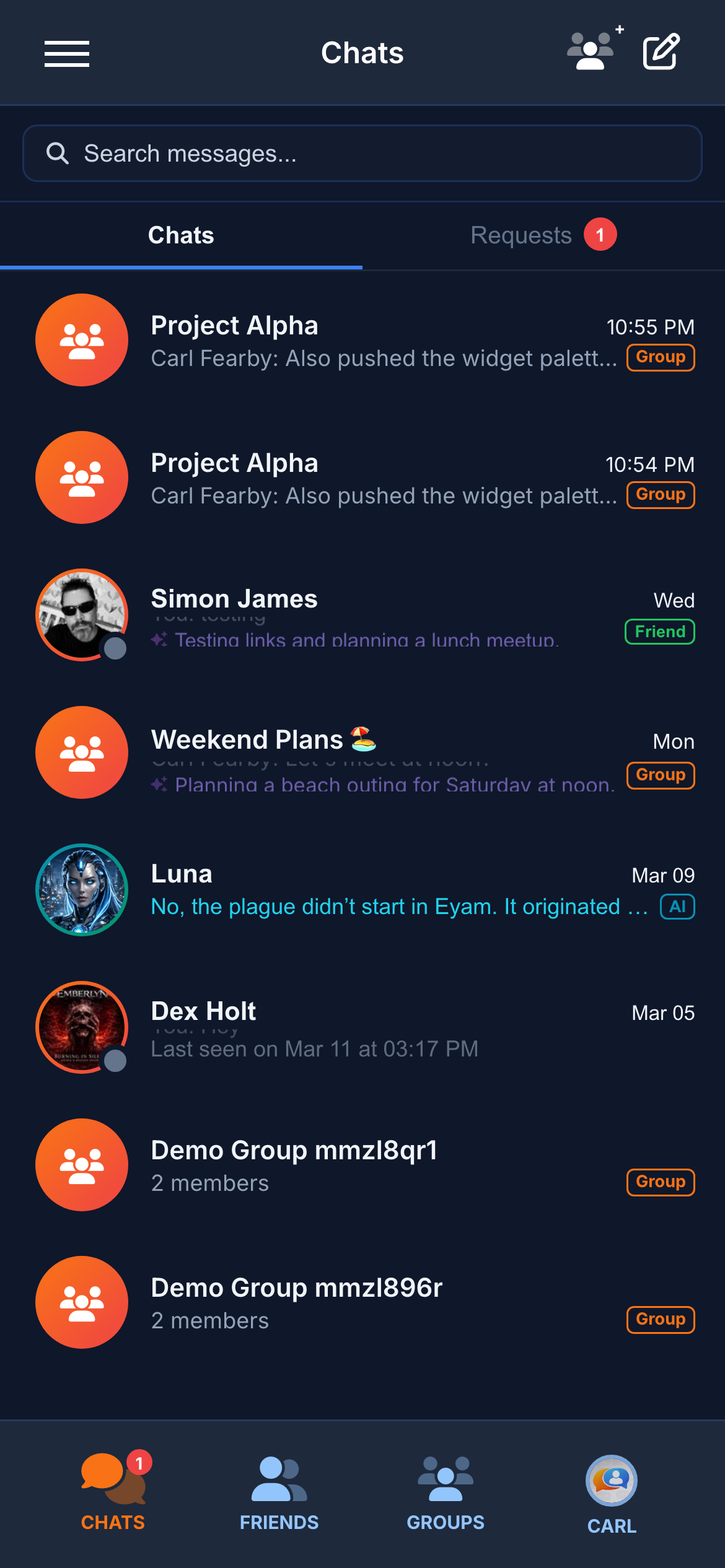
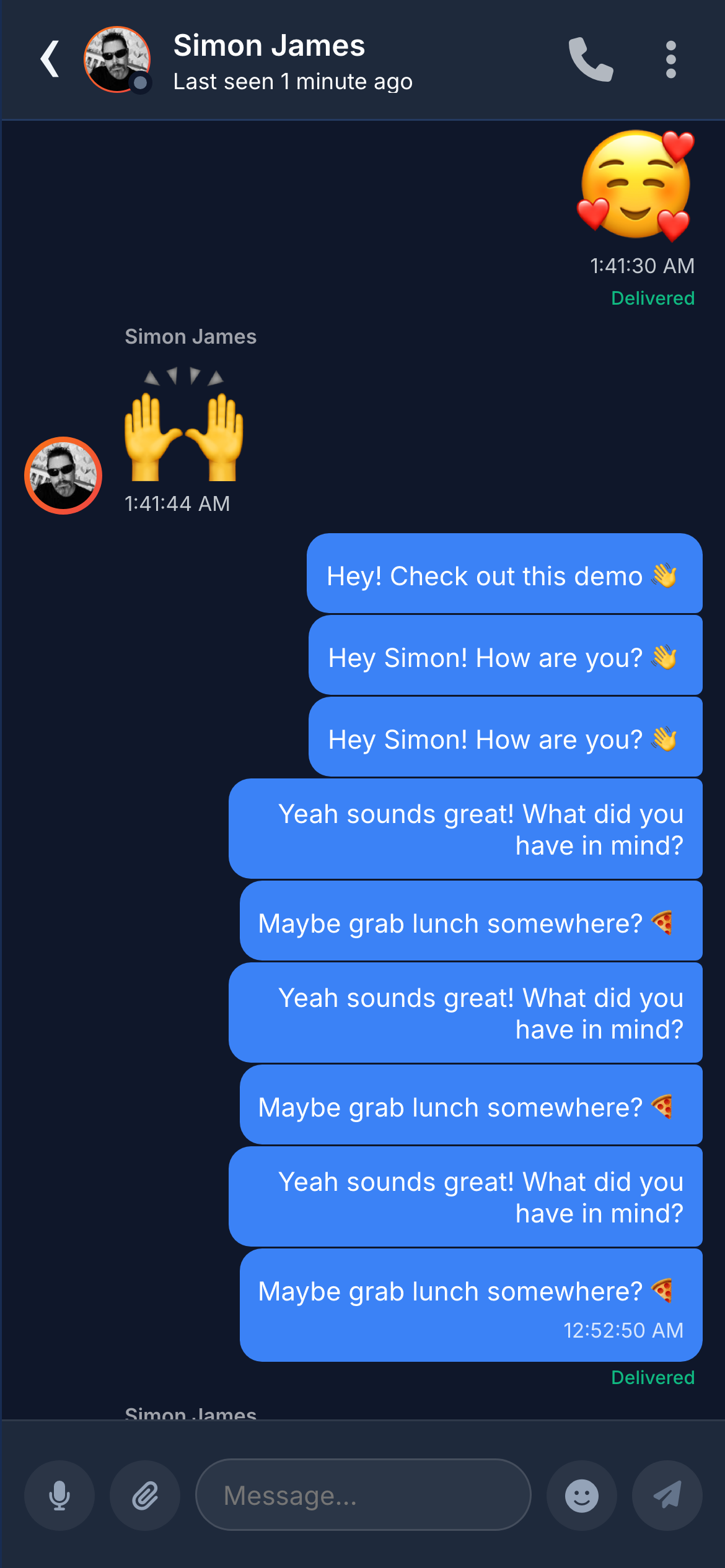
Dark themeDark theme chatLight themeLight theme chat

Enterprise-Grade Authentication

Four authentication methods, per-field privacy controls, and server-side enforcement at every layer. Built for compliance-sensitive environments.

Email Verification
Transactional emails via Mailtrap with branded HTML templates for verification, password reset, and welcome flows.
SMS Verification
SMS code delivery via The SMS Works API. 6-digit codes with expiry, rate limiting, and retry protection.
TOTP Two-Factor Auth
Time-based one-time passwords with QR code setup, backup codes, and authenticator app support (Google Authenticator, Authy).
Password Recovery
Secure token-based reset flow with email delivery, expiry, and single-use enforcement.
Rate Limiting
Redis-backed rate limiting on login, registration, and API endpoints. Prevents brute-force and abuse.
Privacy Controls
Per-field visibility (online status, last seen, profile, read receipts). Users control exactly what others can see.

Built to extend, not just use

Clean architecture, strict TypeScript, comprehensive tests, and documented APIs. Whether you’re integrating, customising, or learning — the codebase is designed to be readable.

88 REST Endpoints
Full API with Swagger documentation. Authentication, messaging, groups, files, contacts, settings — all via standard REST.
85+ WebSocket Events
Real-time event system for messages, typing, presence, reactions, and more. Redis adapter for horizontal scaling.
Prisma ORM
Type-safe database access with auto-generated types, migrations, and 9 well-defined models. No raw SQL.

Full-stack TypeScript: Frontend (Next.js 16 + React 19), backend (Node.js + Express), widget (vanilla JS), and all tooling — every file is strict TypeScript with zero implicit any.

Real-Time Analytics Dashboard

A custom-built project intelligence dashboard with live metrics, code health gauges, commit analysis, security audit, and an embedded test runner. Not a third-party tool — built into Chatr and auto-refreshing every 30 seconds.

Code Health Gauges
Live dials showing test coverage, linter health, dependency freshness, and build stability. Green/amber/red at a glance.
Commit Intelligence
Every commit tracked with type breakdown (feat/fix/chore), velocity charts, and auto-generated changelogs.
Embedded Test Runner
Run all 3,000+ tests directly from the dashboard. Live streaming results with pass/fail counts and timing.
Security Audit Panel
Dependency vulnerability scanning, audit results, and security posture overview — all visible in one panel.
17+ Live Metrics
Lines of code, file counts, test counts, endpoint counts, socket events, components, dependencies, and more.
Documentation Viewer
Built-in Markdown documentation with Mermaid diagrams, syntax highlighting, and searchable API reference.
Dashboard
View Live Dashboard

Admin & Contact Management

A built-in admin panel for support users to review, manage, and respond to widget chat contacts — no external CRM required.
Widget Contact Inbox
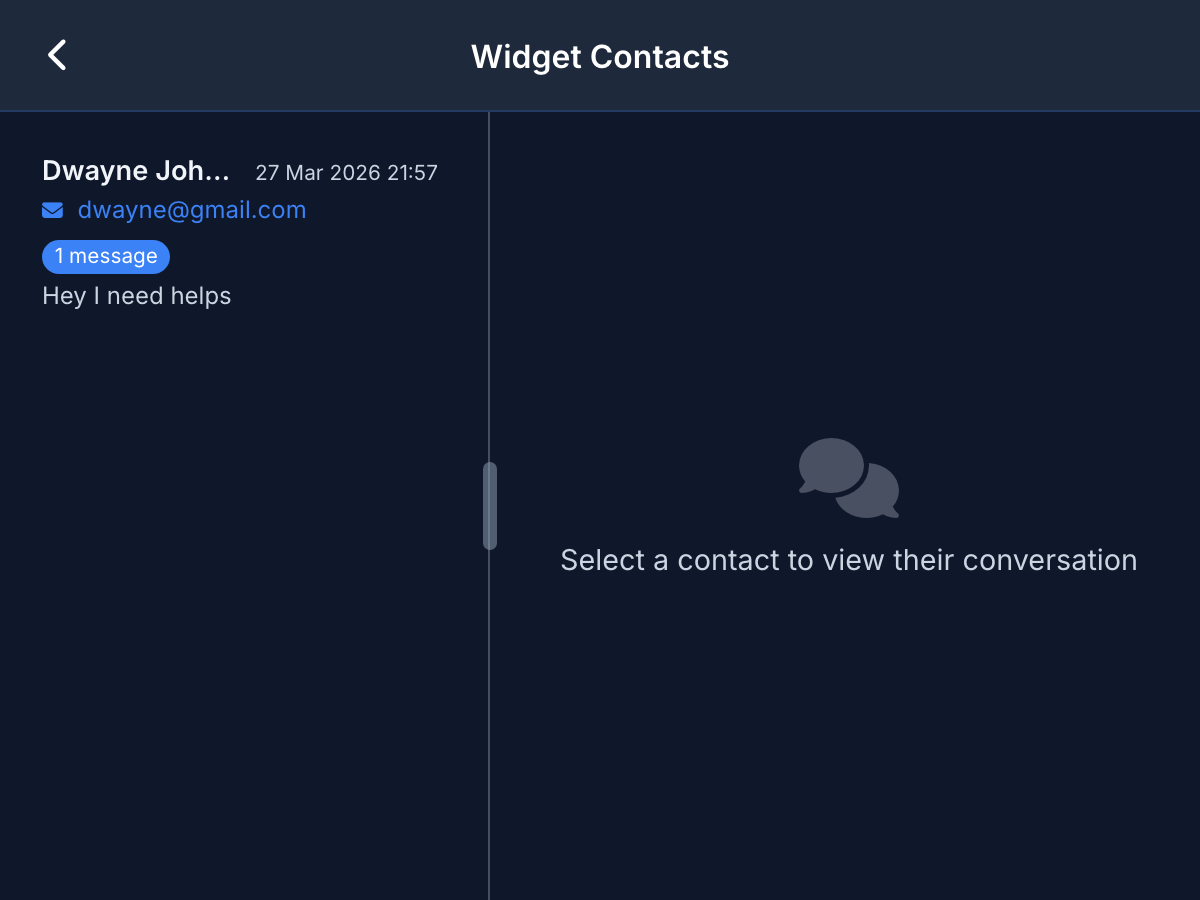
Every visitor who chats via the embeddable widget appears as a contact with name, email, message count, and first message preview.
Conversation History
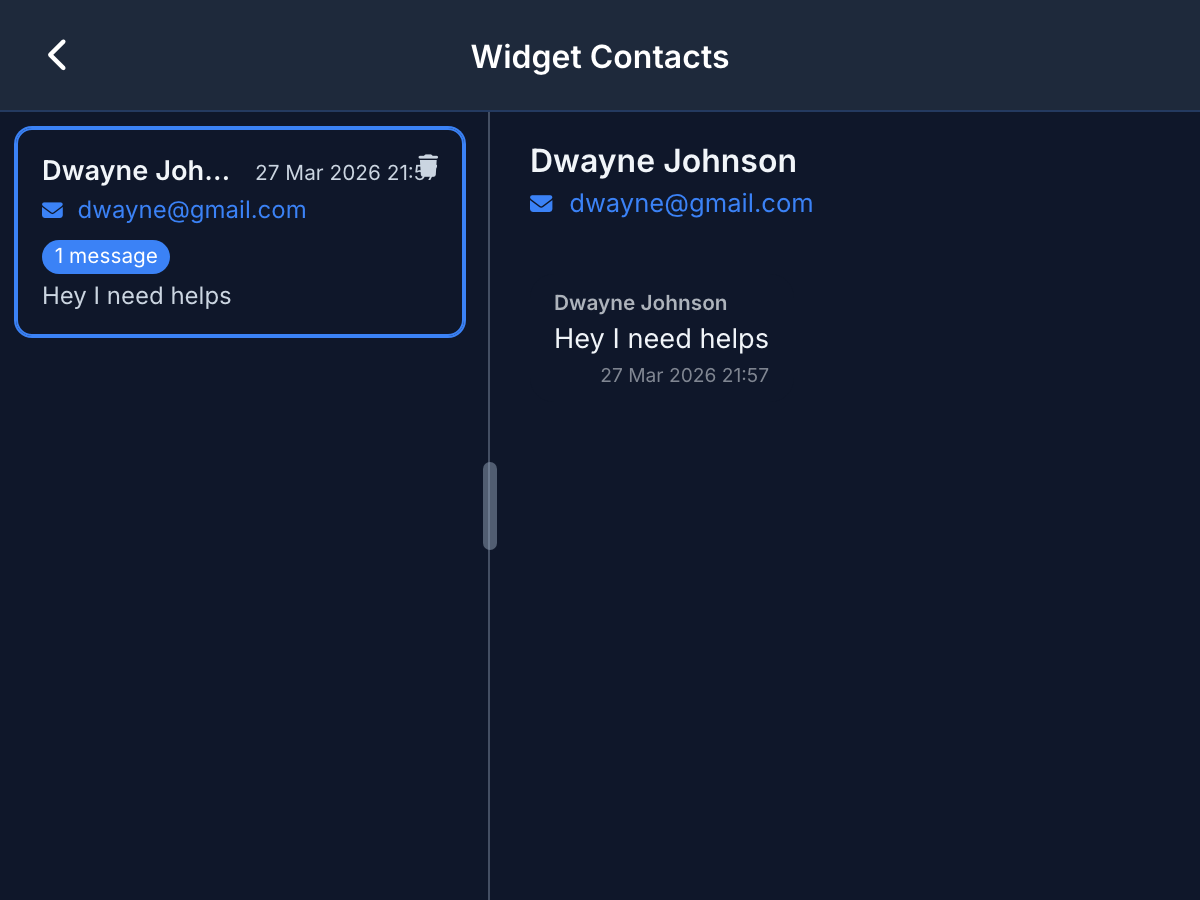
Click any contact to view the full message thread — guest messages on the left, agent replies on the right, with timestamps.
Resizable Split Panel
Contact list and message viewer side by side with a drag-to-resize divider. Uses the full viewport width on desktop.
Role-Based Access
Only users with the support flag can access the admin panel. The link appears in the burger menu and all endpoints enforce the check.
Reply to Visitors
Agents reply to widget guests directly from the admin panel. Messages arrive in the visitor's widget in real time via WebSocket.
Visitor Context
See the page URL, referrer, browser, screen size, timezone, and language for every visitor automatically captured by the widget.
Admin contacts listAdmin conversation view

Ready to see more?

Try the embeddable support widget or explore the full product overview with architecture details, screenshots, and commercial analysis.